/blog/laravel-server-ops
18 Nov 2025 · 2 min read
Running 20+ Laravel servers without losing sleep
Panels vs. bare VPS, zero-downtime deploys, Cloudflare rules that actually stop attacks, and the boring habits that keep a fleet quiet. Ops notes from years of being the one who gets the call.
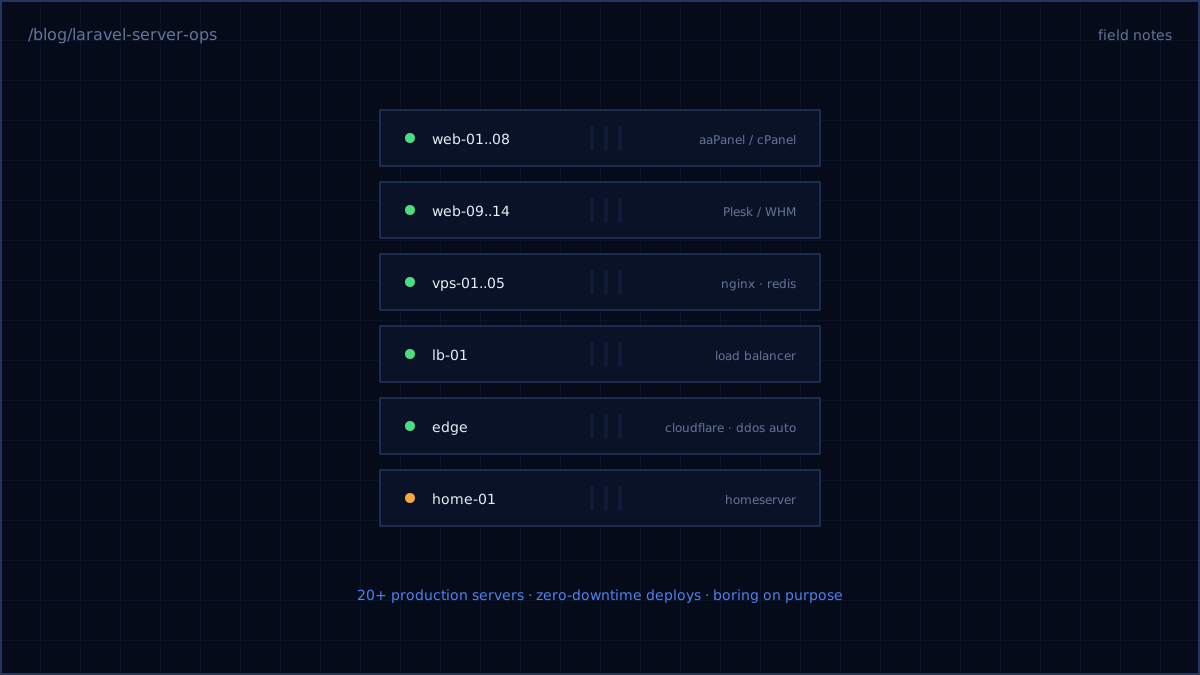
For years I've been the person responsible when a client's server goes down — across 20+ production machines running Laravel apps on aaPanel, cPanel/WHM, Plesk, and bare Nginx VPS boxes. The fleet stays quiet not because of any single clever thing, but because of a stack of boring ones. Here are the ones that earn their keep.
Panels are fine. Pretending you don't need to understand them isn't.
The internet will tell you real engineers use bare VPS only. The internet doesn't manage servers for clients who already bought cPanel licenses. Panels are fine — aaPanel especially has become my default for client boxes — as long as you treat the panel as a convenience layer, not a knowledge substitute. When PHP-FPM saturates at 2 p.m., the panel won't diagnose it. htop, slow logs, and knowing your pm.max_children math will.
Zero-downtime deploys are a directory layout
No Kubernetes required. The classic release structure does it:
releases/
  20261118-093012/   # new release, built and warmed
  20261117-160224/   # previous, kept for instant rollback
current -> releases/20261118-093012   # atomic symlink flip
shared/              # .env, storage/, uploads
Build the new release alongside the old, run migrations, warm the caches, then flip the symlink and reload PHP-FPM. The user never sees a 502; rollback is re-pointing a symlink. CI runs this on every merge to main. The whole thing is an afternoon of scripting that pays out for years.
Cloudflare is your first server
Every fleet box sits behind Cloudflare, and three configurations do most of the protecting:
- Block direct-to-origin traffic. Firewall the origin so only Cloudflare IPs reach it. Attackers who find your origin IP skip every rule you wrote.
- Rate-limit the expensive routes — login, search, anything that hits the database hard. DDoS mitigation that only covers the homepage protects the part of your app that was never in danger.
- Turn "Under Attack" automation on per-zone. Automated escalation responds in seconds; humans respond in minutes. The gap is the outage.
Redis is doing more jobs than you think
Cache, sessions, queues — on most Laravel boxes Redis carries all three. Give it a memory limit below the panic threshold and an eviction policy that matches the job (allkeys-lru for cache, never for queues — split instances or databases). The most common "mystery" outage on a busy Laravel server is Redis quietly hitting its ceiling.
The habit layer
Backups that restore (test one monthly — a backup you haven't restored is a rumor), unattended-upgrades for security patches, uptime checks that page the phone, and n8n automations for the recurring chores: certificate expiry warnings, disk-space reports, backup verification pings.
None of this is glamorous. That's the point. Glamorous infrastructure is the kind that gets rebuilt every eighteen months; boring infrastructure is the kind that lets you take on the next twenty servers.